- How do I make an Open To Work banner for LinkedIn?
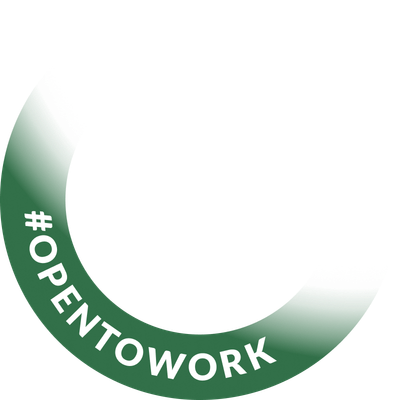
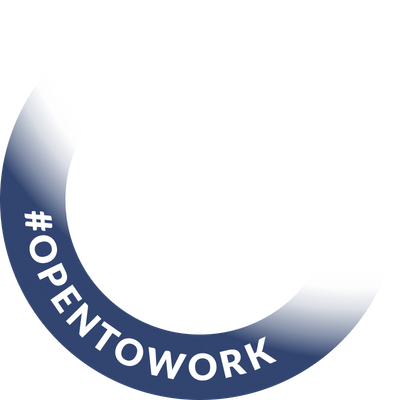
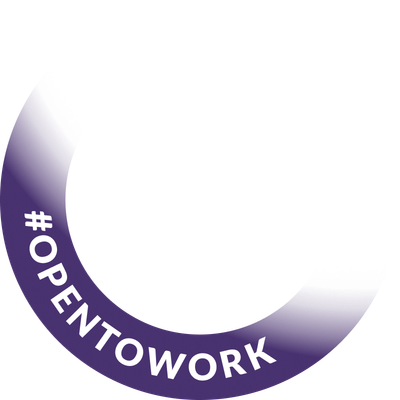
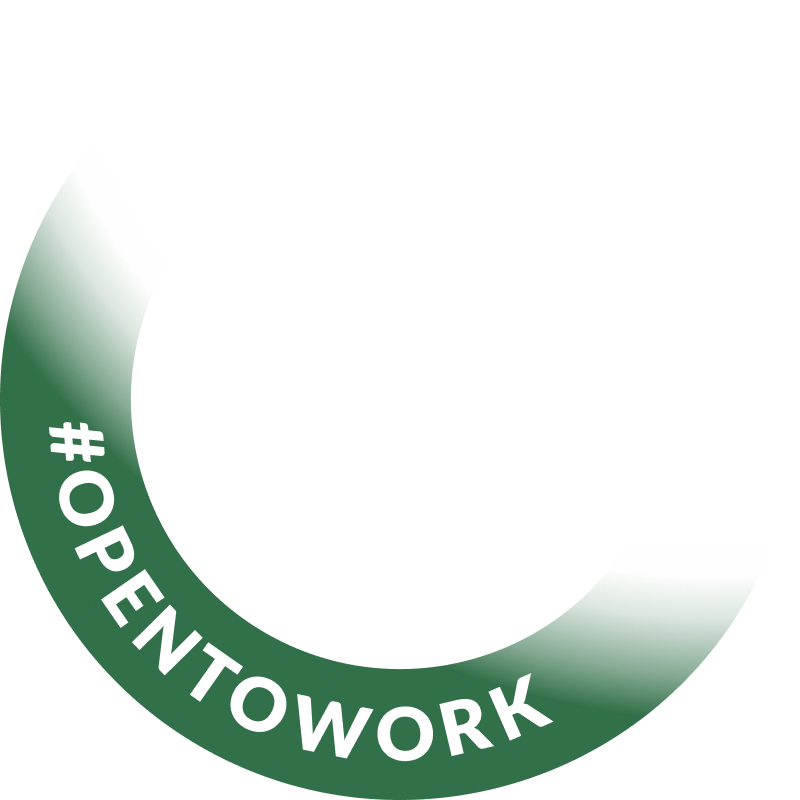
- Upload your profile photo, pick any color for the ‘#OpenToWork’ ring with the color picker (or a one-click preset), then click Download PNG. The tool outputs an 800×800 image you can set as your LinkedIn (or any social) profile picture. It is free and requires no account.
- Can I change the color of the Open To Work ring?
- Yes. The standard LinkedIn ‘Open to Work’ banner is fixed green, but this tool lets you choose any color for the ring (pick from presets or use the color picker) while leaving your photo untouched, so you can match your brand or stand out.
- Is this Open To Work banner maker free?
- Yes, it is completely free with no sign-up, watermark, or upload limit. The image is composited locally in your browser using the HTML canvas. Your photo is never uploaded to a server.
- What image size should I use?
- Upload a square image of at least 800×800px for the sharpest result. Non-square images are automatically center-cropped to a square, and the final download is an 800×800 PNG.
- How do I download an Open To Work PNG?
- Click ‘Download PNG’ once you are happy with the ring color. You get a standard 800×800 PNG file saved straight to your device — no email, no account, and no watermark. It is a normal image file, so you can upload it to LinkedIn, X, GitHub, Slack, or anywhere else that takes a profile picture.
- Does the Open To Work PNG have a transparent background?
- The ring is drawn directly onto your photo, so the exported PNG is a finished square profile picture rather than a transparent overlay. That is what LinkedIn expects when you set a profile photo — a transparent frame on its own would show as an empty circle.
- Do I need LinkedIn Premium, or a tool like Twibbon, to get an Open To Work frame?
- No. LinkedIn's built-in ‘Open to Work’ photo frame is free but locked to its standard green and announces your status through LinkedIn itself. Frame tools such as Twibbon work too. This tool differs by letting you choose any ring color and by compositing the image entirely in your browser, so your photo is never uploaded to anyone's server.