
Quickstart
You will run one free audit, connect one MCP server and ask it a question. You need a site URL and, for steps 2 and 3, Claude Code. Nothing here needs an account until step 4.
1. Run a free audit
Open the LLM and technical SEO audit. Type your domain and select Run audit. There is no sign-in. It crawls up to 50 pages and renders the report on the page.
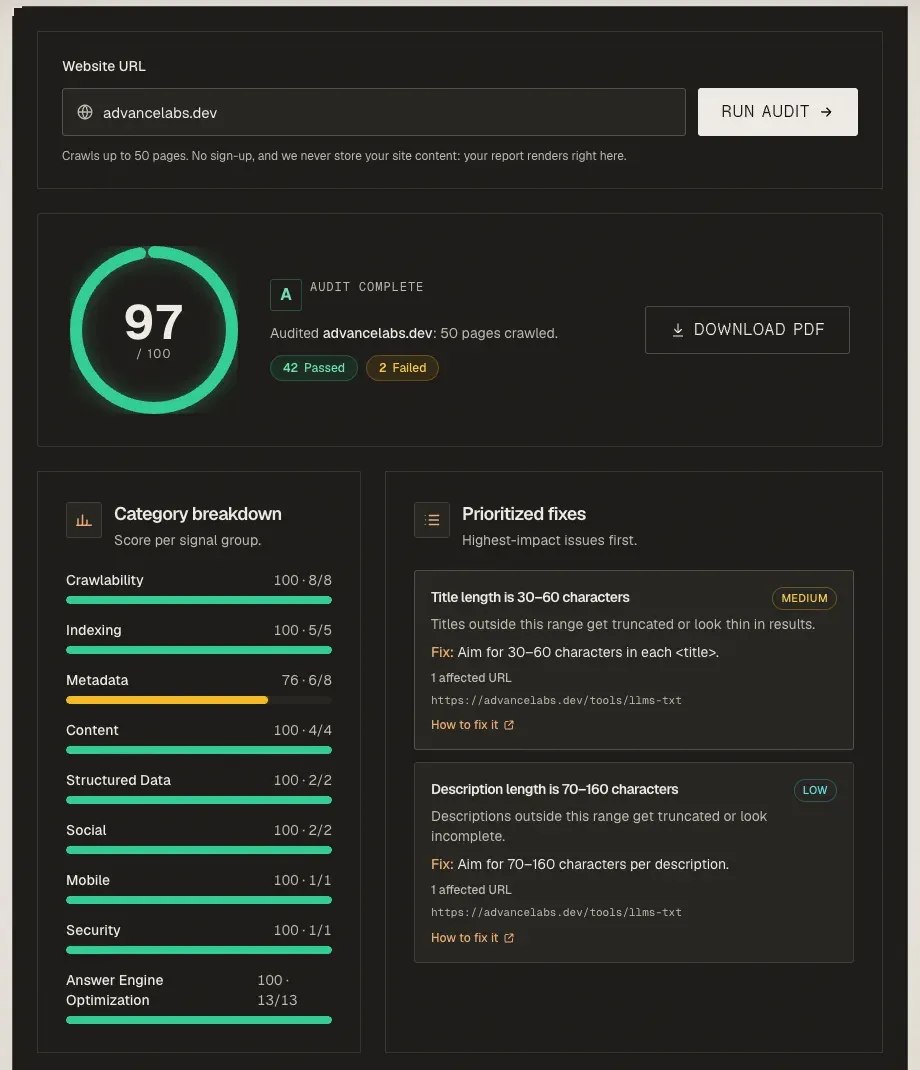
You get a score out of 100, a grade, a score per category and a fix list. Reading your audit report explains each part. To see what a finished report looks like before you run one, open the sample report.
2. Add the research server
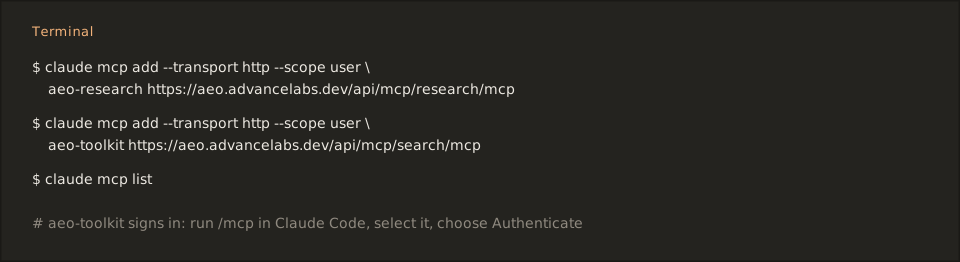
The aeo-research server needs no sign-in. Run this in a terminal:
claude mcp add --transport http --scope user aeo-research https://aeo.advancelabs.dev/api/mcp/research/mcpThe /mcp at the end of the URL is required. Check the result with claude mcp list.
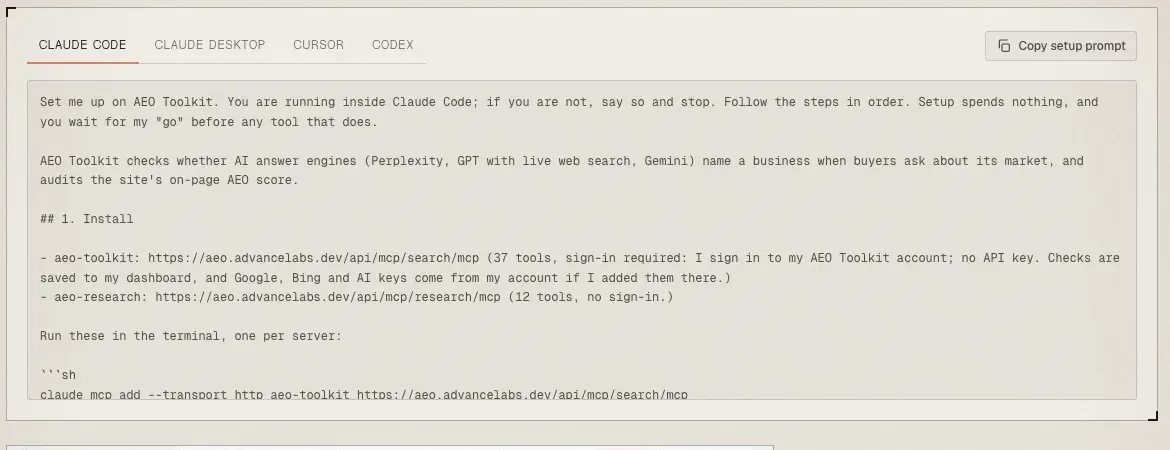
Prefer to let your agent do it? The MCP page has a setup prompt per client. Paste it in and the agent adds the servers and checks the connection.
3. Make a first call
Ask your agent:
Run analyze_website_aeo on https://example.com and tell me the three fixes that matter most.
analyze_website_aeo crawls 10 pages and returns a score and at most 8 fixes. It is a shortlist, not the full audit. Use the hosted audit from step 1 when you need every rule.
4. Add the account server
The aeo-toolkit server reads your Search Console, GA4 and Bing data and saves AI visibility checks to your dashboard. It needs an AEO Toolkit account.
claude mcp add --transport http --scope user aeo-toolkit https://aeo.advancelabs.dev/api/mcp/search/mcpIn Claude Code, run /mcp, select aeo-toolkit and choose Authenticate. A browser opens for sign-in. Then ask the agent to call list_workspaces. That call is read-only and confirms the connection.
If the connection fails, see Troubleshooting MCP connections.
5. Install the skills
/plugin install aeo-toolkit --marketplace Advance-Labs/aeo-toolkitThe plugin adds 24 skills that tell an agent how to fix what an audit finds. Ask it to “do AEO on” your site and the aeo skill orders the work. The plugin registers its own copies of both servers, so remove any you added by hand first, or you will see duplicate tools.
Where next
- Where to find and install AEO Toolkit covers Claude.ai, ChatGPT, Cursor and the Chrome extension.
- Use cases shows seven jobs, each with the tools to call.
- Dashboard tour shows what the hosted dashboard contains.
AEO Toolkit is an open-source instrument by Advance Labs.